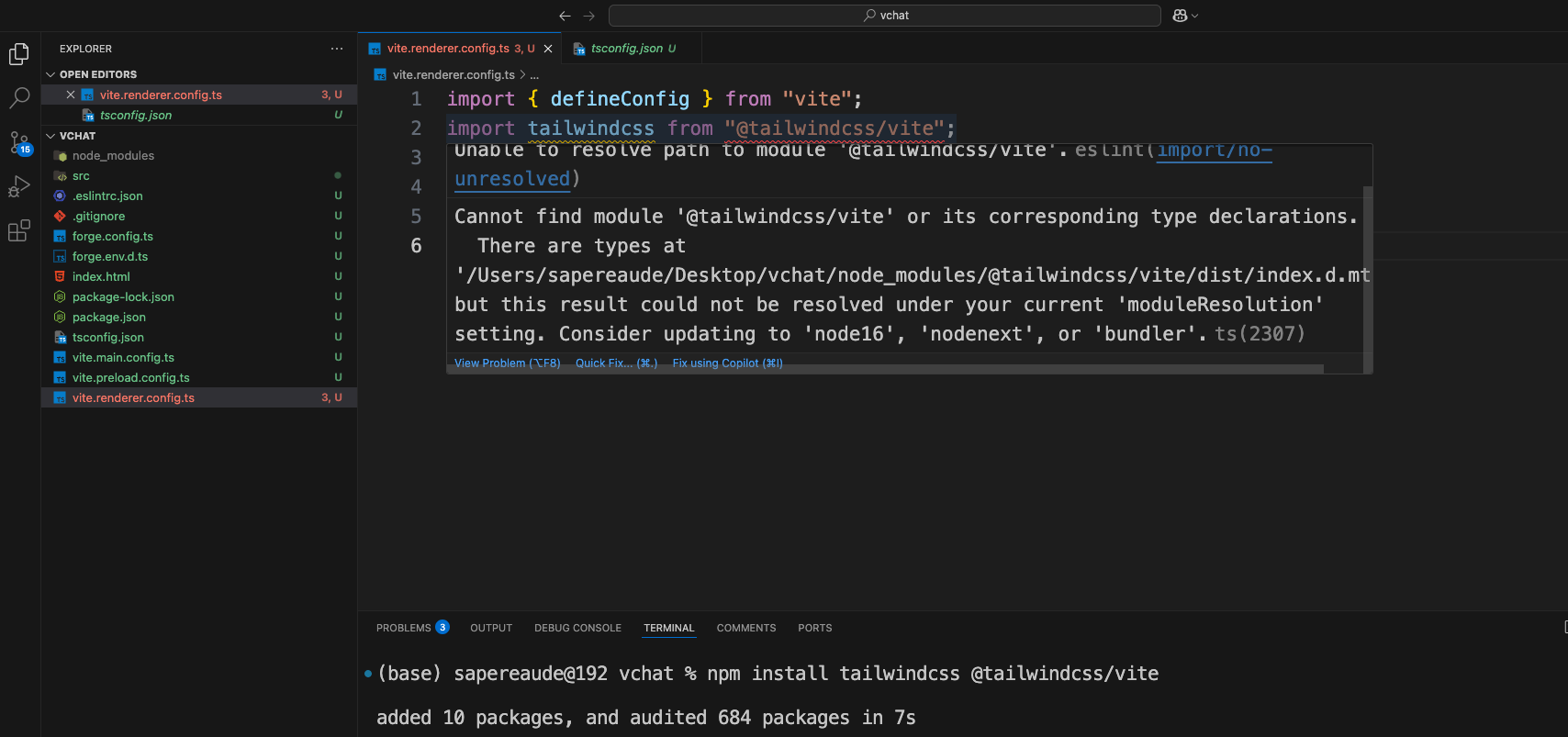
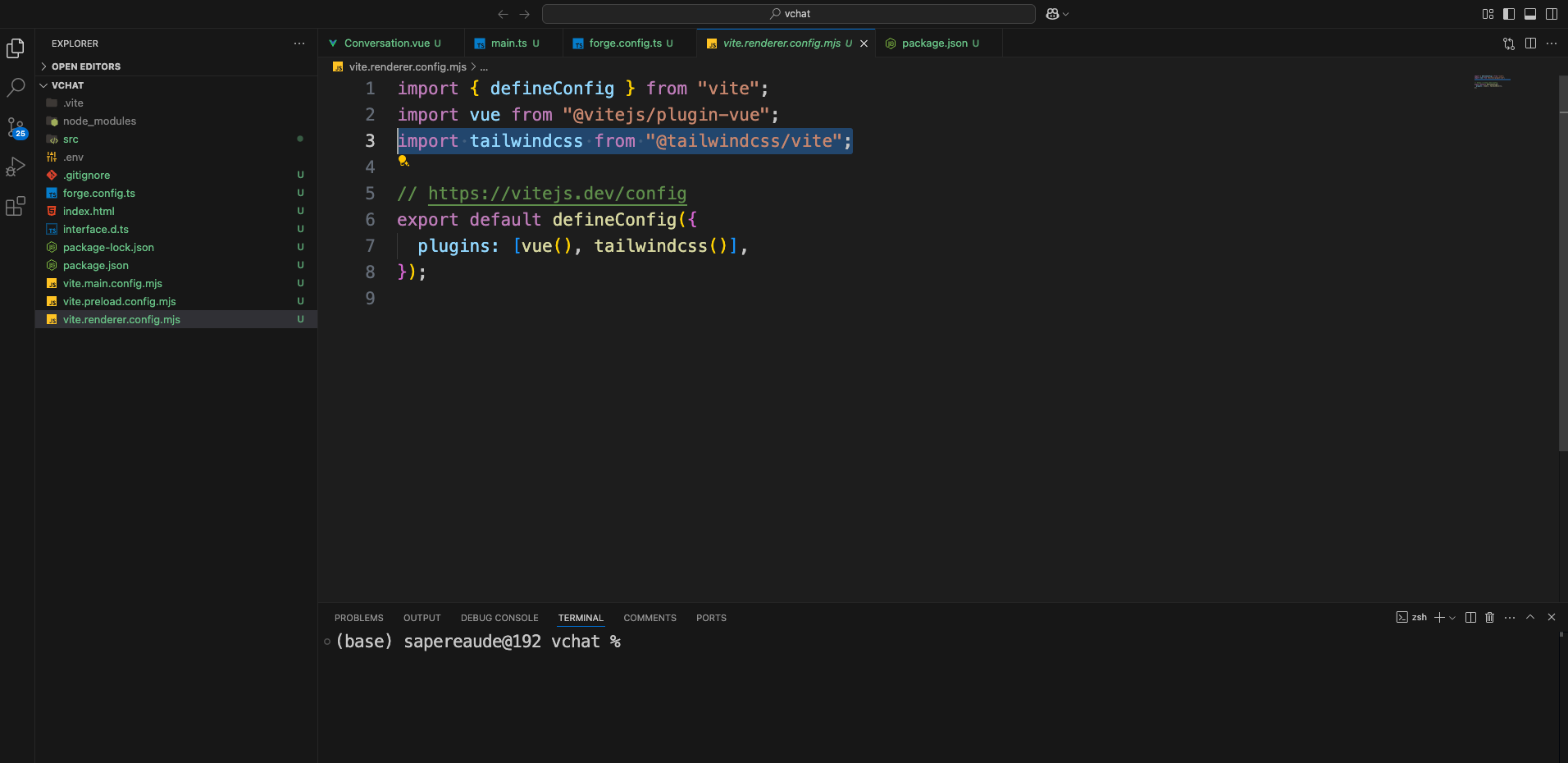
安装方法是按照链接的操作,现在就是我安装上按ctrl鼠标点不进去,去掉tsconfig文件后可以点进去,但是还有报红。目前有tsconfig文件下提示错误是

【Cannot find module '@tailwindcss/vite' or its corresponding type declarations. There are types at '/Users/sapereaude/Desktop/vchat/node_modules/@tailwindcss/vite/dist/index.d.mts', but this result could not be resolved under your current 'moduleResolution' setting. Consider updating to 'node16', 'nodenext', or 'bundler'.ts(2307) Unable to resolve path to module '@tailwindcss/vite'.eslintimport/no-unresolved)】,
tailwindcss @tailwindcss/vite这两个我都安装了,在node_modules下是可以找到的。

另外就是,一开始用错了模板,初始化成了仅仅vite的,到最后发现对类型的支持不是很友好,即使文件改成ts也是,然后到接入大模型那些地方都是没有问题的。目前我就是想再初始化一个vite-typescript的,想把之前开发的代码迁过来,但是目前发现在安装tailwindcss的时候,出现了上述的错误。