域名问题
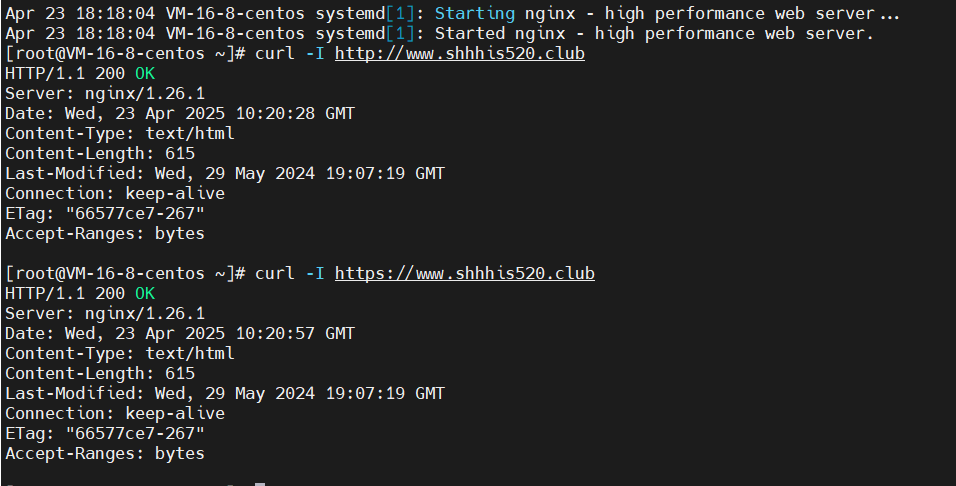
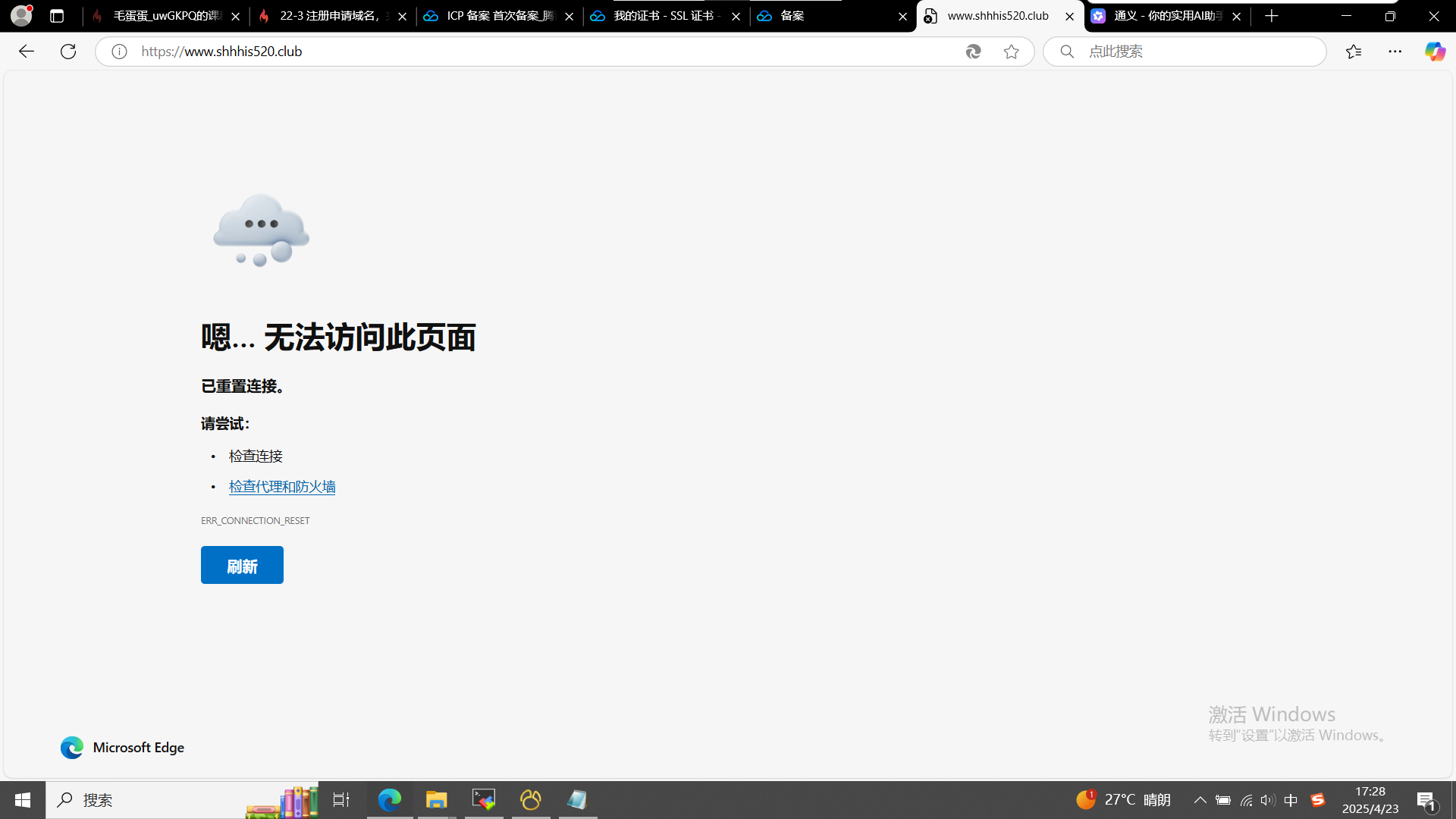
这是配置文件:user nginx;
worker_processes auto;
error_log /var/log/nginx/error.log notice;
pid /var/run/nginx.pid;
events {
worker_connections 1024;
}
http {
include /etc/nginx/mime.types;
default_type application/octet-stream;
log_format  main  '$remote_addr - $remote_user [$time_local] "$request" '
                  '$status $body_bytes_sent "$http_referer" '
                  '"$http_user_agent" "$http_x_forwarded_for"';

access_log  /var/log/nginx/access.log  main;

sendfile        on;
#tcp_nopush     on;

keepalive_timeout  65;

#gzip  on;

include /etc/nginx/conf.d/*.conf;
server {
listen 80 default_server;
listen [::]:80 default_server;
server_name _;
root /usr/share/nginx/html;
    # Load configuration files for the default server block.
    include /etc/nginx/default.d/*.conf;

    location / {
    }

    error_page 404 /404.html;
    location = /404.html {
    }

    error_page 500 502 503 504 /50x.html;
    location = /50x.html {
    }
}
server {
listen 443 ssl;
server_name www.shhhis520.club; #填写绑定证书的域名
    ssl_certificate /etc/nginx/shhhis520.club_bundle.crt;
    ssl_certificate_key /etc/nginx/shhhis520.club.key;
    ssl_session_timeout 5m;
    ssl_protocols TLSv1 TLSv1.1 TLSv1.2; #按照这个协议配置
    ssl_ciphers ECDHE-RSA-AES128-GCM-SHA256:HIGH:!aNULL:!MD5:!RC4:!DHE;
    ssl_prefer_server_ciphers on;
    location / {
        root   /usr/share/nginx/html; #站点目录
        index  index.html index.htm;
    }
}
}
https和直接www.都打不开,是因为在备案中吗
72
收起
正在回答 回答被采纳积分+3
1回答

相似问题
关于域名的问题
1029
1
3

请求的域名问题
924
0
8

使用域名无法访问服务器
1339
0
2


nginx访问域名404
2745
0
2

为什么说o2o.yitiaojieinfo.com是二级域名?
1296
0
8

登录后可查看更多问答,登录/注册