$ docker network create my-bridge
14bf23e2f5c48a0249264825f72842b28c36b4be9ee8d1d485ef3465676f685d
$ docker run -d --network=my-bridge -p 8080:80 nginx
bbb77e5e8451614a32c39181a054550bdb01f134712735e68ce25ede743c8a78
$
$ docker ps
CONTAINER ID IMAGE COMMAND CREATED STATUS PORTS NAMES
bbb77e5e8451 nginx "nginx -g 'daemon of…" 3 seconds ago Up 3 seconds 0.0.0.0:8080->80/tcp recursing_khayyam
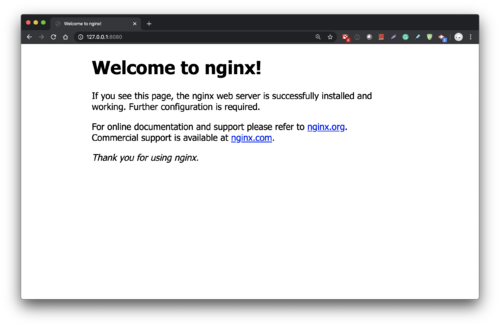
$ curl 127.0.0.1:8080
<!DOCTYPE html>
<html>
<head>
<title>Welcome to nginx!</title>
<style>
body {
width: 35em;
margin: 0 auto;
font-family: Tahoma, Verdana, Arial, sans-serif;
}
</style>
</head>
<body>
<h1>Welcome to nginx!</h1>
<p>If you see this page, the nginx web server is successfully installed and
working. Further configuration is required.</p>
<p>For online documentation and support please refer to
<a href="http://nginx.org/">nginx.org</a>.<br/>
Commercial support is available at
<a href="http://nginx.com/">nginx.com</a>.</p>
<p><em>Thank you for using nginx.</em></p>
</body>
</html>
$