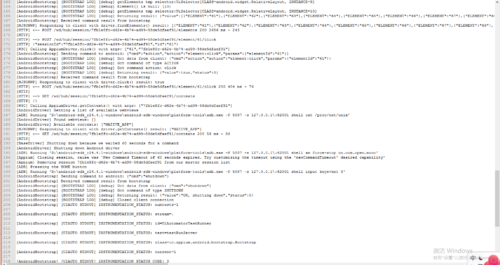
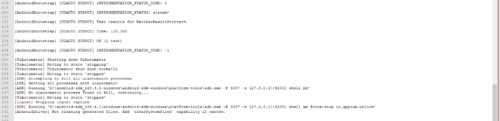
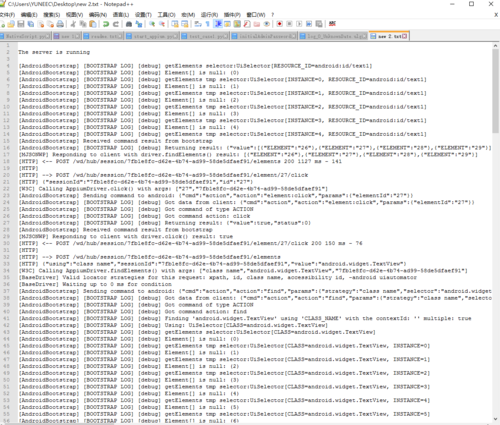
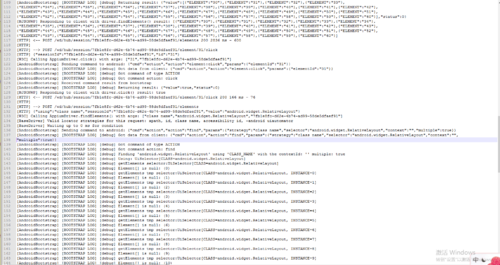
用ui_automator 看到有webview,但是在代码中打印只有native,是怎么回事
代码运行成功,和老师的一样
#!/usr/bin/env python
#coding:utf-8
import time
from appium import webdriver
def get_driver():
capabilities = {
"platformName": "Android",
"deviceName": "127.0.0.1:62001",
# "deviceName": "836f314e4d56544c",
"app": r"C:\Users\YUNEEC\Desktop\mukewang_6220.apk",
# "appWaitActivity": "cn.com.open.mooc.index.splash.GuideActivity"
# "noReset": True
}
driver = webdriver.Remote('http://localhost:4723/wd/hub', capabilities)
return driver
#获取屏幕的宽高
def get_size():
size = driver.get_window_size()
# print size
width = size['width']
height = size['height']
return width,height
#向左滑动
def swipe_left():
x1 = get_size()[0]/10*9
y1 = get_size()[1]/2
x = get_size()[0]/10
driver.swipe(x1,y1,x,y1,2000)
#向右边滑动
def swipe_right():
x1 = get_size()[0]/10
y1 = get_size()[1]/2
x = get_size()[0]/10*9
driver.swipe(x1,y1,x,y1,2000)
#向上滑动
def swipe_up():
#[100,200]direction
x1 = get_size()[0]/2
y1 = get_size()[1]/10*9
y = get_size()[1]/10
driver.swipe(x1,y1,x1,y,1000)
#向下滑动
def swipe_down():
#[100,200]
x1 = get_size()[0]/2
y1 = get_size()[1]/10
y = get_size()[1]/10*9
driver.swipe(x1,y1,x1,y)
def swipe_on(direction):
if direction == 'up':
swipe_up()
elif direction == 'down':
swipe_down()
elif direction =='left':
swipe_left()
else:
swipe_right()
def go_login():
time.sleep(2)
elements = driver.find_elements_by_id('android:id/text1')
elements[3].click()
time.sleep(2)
elements = driver.find_elements_by_class_name("android.widget.TextView")
time.sleep(2)
elements[1].click()
time.sleep(2)
element = driver.find_element_by_id("cn.com.open.mooc:id/tv_go_login")
element.click()
time.sleep(2)
driver.find_element_by_id("cn.com.open.mooc:id/account_edit").send_keys("18721246326")
time.sleep(1)
driver.find_element_by_id("cn.com.open.mooc:id/password_edit").send_keys("123456")
time.sleep(1)
driver.find_element_by_id("cn.com.open.mooc:id/login").click()
time.sleep(1)
def get_web_view():
webview = driver.contexts
print webview
# print(len(elements))
# for i in elements:
# time.sleep(5)
# print i
# i.click()
driver = get_driver()
time.sleep(5)
swipe_on('left')
time.sleep(1)
swipe_on('left')
time.sleep(1)
swipe_on('left')
time.sleep(1)
swipe_on("up")
time.sleep(1)
go_login()
time.sleep(10)
get_web_view()
time.sleep(10)
driver.quit()
-----------------------------------------------------------------------------
运行结果:[u'NATIVE_APP']