在注册页面,自动跳转到登录页面
写完定时器之后,我在注册页面停留5秒,他会自动跳转到登录页面,请问这个是怎么回事?
-
我在注册页面,等5秒左右
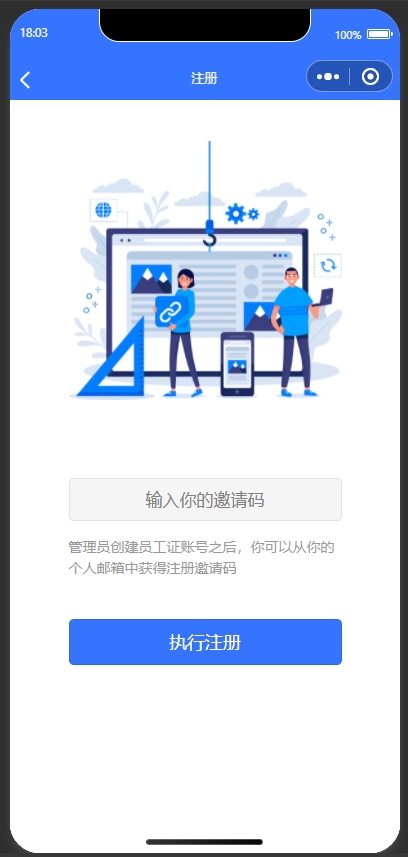
-
自动跳转到登录页面
index页面的js代码
<script>
import uniPopup from '@/components/uni-popup/uni-popup.vue';
import uniPopupMessage from '@/components/uni-popup/uni-popup-message.vue';
import uniPopupDialog from '@/components/uni-popup/uni-popup-dialog.vue';
export default {
	components: {
		uniPopup,
		uniPopupMessage,
		uniPopupDialog
	},
	data() {
		return {
			title: 'Hello',
			timer: null,
			unreadRows: 0,
			lastRows: 0
		};
	},
	onLoad:function() {
		// 监听事件
		let that = this;
		uni.$on('showMessage', function() {
			that.$refs.popupMsg.open();
		});
	},
	onUnload:function() {
		// 移除监听事件
		uni.$off('showMessage');
	},
	onShow: function() {
		let that = this;
		that.timer = setInterval(function() {
			that.ajax(that.url.refreshMessage, 'GET', null, function(resp) {
				that.unreadRows = resp.data.unreadRows;
				that.lastRows = resp.data.lastRows;


				if (that.lastRows > 0) {
					uni.$emit('showMessage');
				}
			});
		}, 5 * 1000);
	},
	onHide:function() {
		clearInterval(this.timer);
	},
	methods: {
		toPage: function(name, url) {
			//TODO 验证用户的权限
			uni.navigateTo({
				url: url
			});
		}
	}
};
</script>
register页面的js代码
<script>
export default {
	data() {
		return {
			registerCode: null
		};
	},
	methods: {
		register: function() {
			let that = this;
			if (that.registerCode == null || that.registerCode.length == 0) {
				uni.showToast({
					title: '邀请码不能为空',
					icon: 'none'
				});
				return;
			} else if (/^[0-9]{6}$/.test(that.registerCode) == false) {
				uni.showToast({
					title: '邀请码必须是6为数字',
					icon: 'none'
				});
				return;
			}

			uni.login({
				provider: 'weixin',
				success: function(resg) {
					let code = resg.code;
					console.log(code);
					uni.getUserInfo({
						provider: 'weixin',
						success: function(resp) {
							let data = {
								code: code,
								nickname: '默认用户名称',
								photo: 'https://1233.jpg',
								registerCode: that.registerCode
							};

							that.ajax(that.url.register, 'POST', data, function(resp) {
								let permission = resp.data.permission;
								uni.setStorageSync('permission', permission);
								console.log(permission);
								//TODO 跳转到index页面
								uni.switchTab({
									url: '../index/index'
								});
							});
						}
					});
				}
			});
		}
	}
};
647
收起
正在回答
1回答

相似问题





登录后可查看更多问答,登录/注册